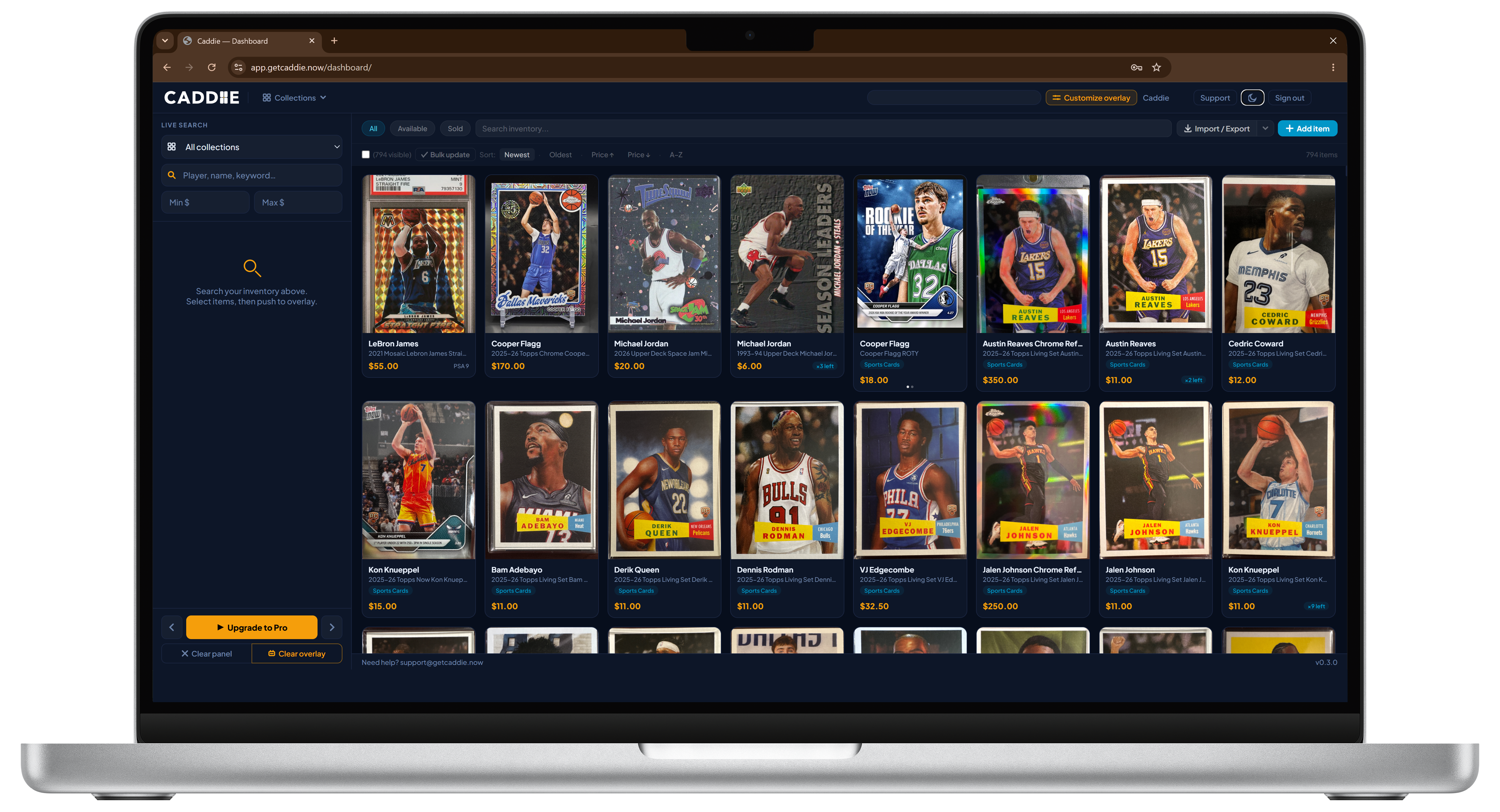
Built for livestream sellers who move fast.
Search your inventory. Push to OBS. Done in seconds.


Your account is set up. Pick a plan to start using Caddie.
Early adopter pricing locked in for life. Sign out
Search your inventory above.
Select items, then push to overlay.

No items yet. Add your first card to get started.
 Watch
Watch
Listen to Whatnot chat and surface buyer requests in your dashboard in real time.
Having trouble? Download manually
Let Caddie support open your account to fix something. You pick how long. It shuts off on its own.
Everything you can do in the dashboard. Inventory, overlay settings, Caddie Watch, analytics.
Your password, your email address, and anything to do with billing. Support also cannot create or read your API keys, or reset your overlay and upload links. And support cannot decide what you stock — marking up your Hitlist is your call, never ours. Those all stay locked the whole time.
Turning this on opens your account to someone else, so we check it is you and not a browser you left open.
Your password, your email address, billing, your API keys, your overlay and upload links, and what you stock on your Hitlist. Support cannot reach any of those even now.
Group your inventory into collections (Sports Cards, Video Games, Funko Pops, etc.). Search pulls from the selected collection only.
Deleted items stay here for 30 days before they are removed for good. Restoring one puts it straight back into your inventory, search and overlay.
Changes apply the next time your overlay loads in OBS.
Create these collections automatically and re-assign the imported items?
Scan with your phone camera to add or replace the photo for this item. The link expires in 24 hours.
You'll be charged the prorated difference for the remainder of your current billing cycle — only for the days you haven't used yet on Starter.
Your card on file will be charged immediately. Future billing cycles will be at the Pro rate. You can contact support to cancel at any time.
Scan with your phone camera. Tap the shutter once per card.
Photos land in the inbox automatically — assign them at your own pace.